





 What is Sunrise?
Sunrise is an open source web browser based on for Mac OS X.
Sunrise supports following languages.


Features
Many features for Sunrise is here.
Release Notes
All in One Window
The main window of Sunrise has the browser, bookmarks, downloads, source codes and find bars. You do not need to look for the hidden panels because the one window has all of them.
You can do following things seamless:
- Dropping the link into bookmarks for registering
- Dropping the bookmark item to the tab for accessing
- Comparing the source code of the web pages
- Finding a word from a source code in the same tab
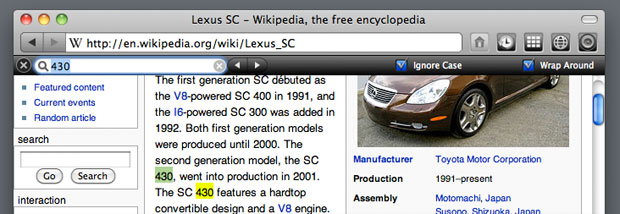
- Finding a word from a web page in the same tab
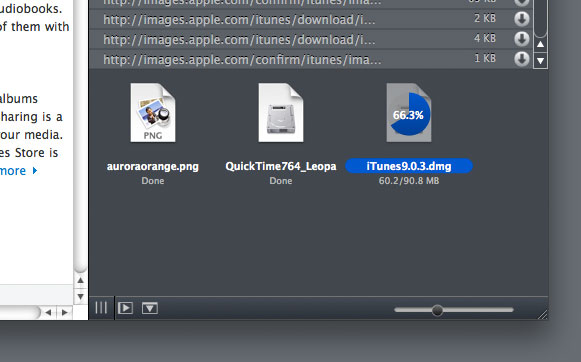
- The downloads items show as icons
-
Thumbnailed Bookmarks
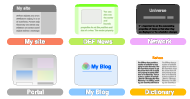
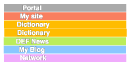
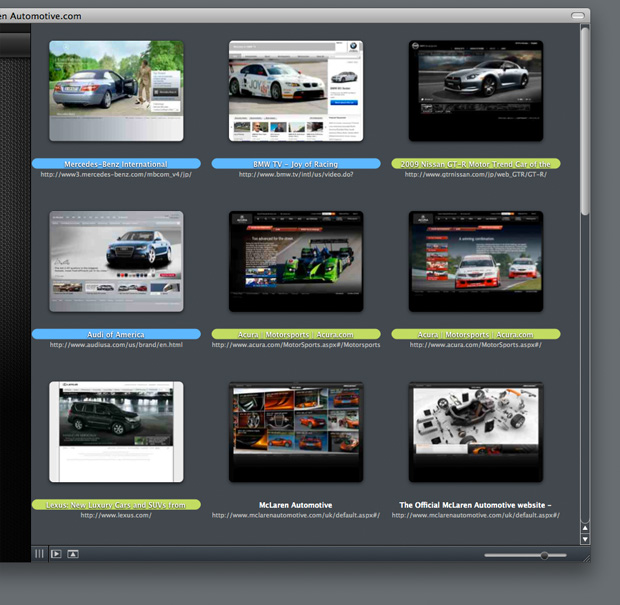
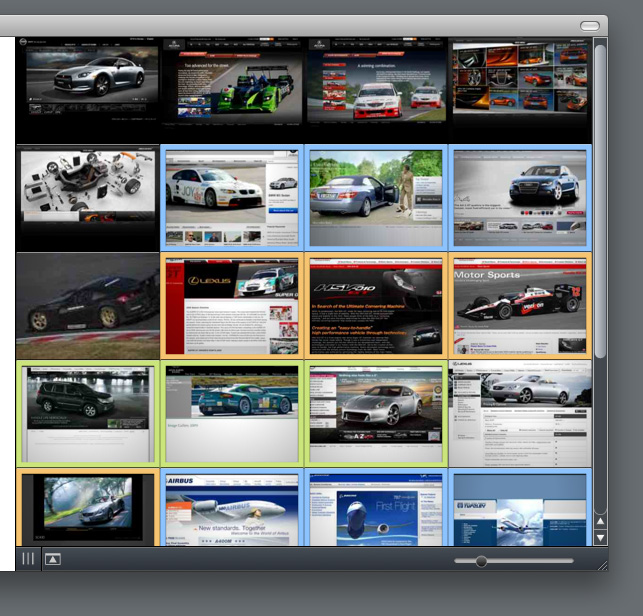
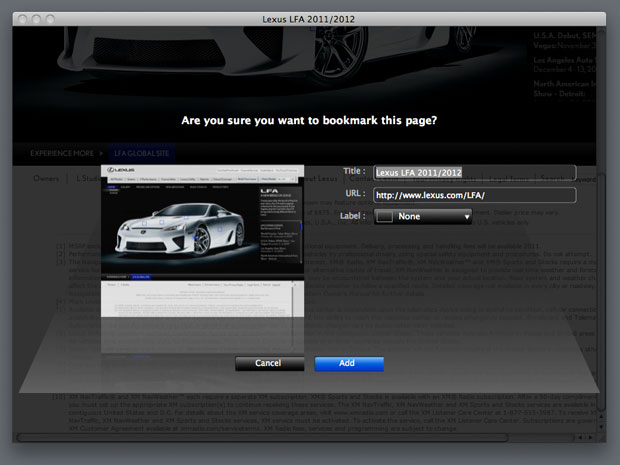
Bookmarks is indicated as thumbnail image in the sidebar. Dropping the link for adding, Dropping a bookmark item to a web view or the tabbar for opening, Adding a new item with the thumbnail image, title, URL and label color from the toolbar or menu item, Sunrise provides the various ways for using.
If you switch the view mode "As Tiled" or "As List", you can save more space.
-
Snapshot a web page

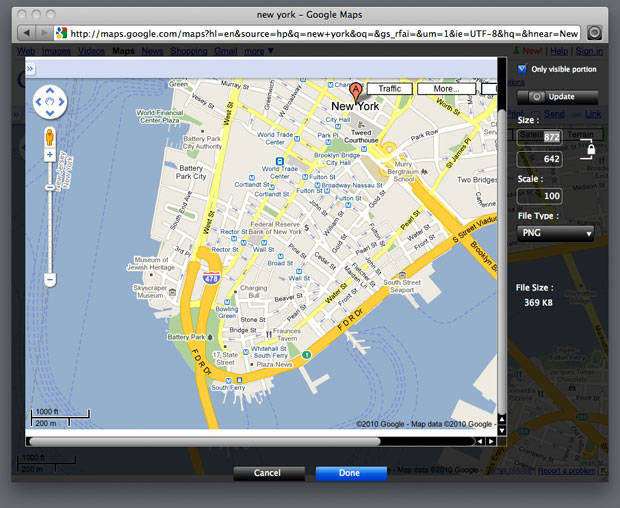
You can snapshot a web page that you specified a file type and size. This is a best way for saving a web page quickly.
-
The Scrollable Tabbar
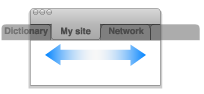
If the window has many tabs, you can show hidden tabs by scrolling. The user experience of the tabbar is kept.
-
Source code at Every Tab

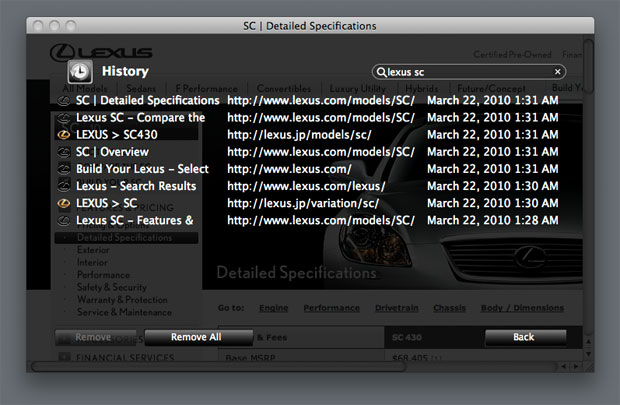
Because the source code viewer and the tab make a pair, it is useful for comparing several sources. And you can open the source code with other application.
-
Downloads
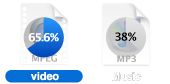
The download item shows as icon with circle progress indicator. You do not need to scroll a long list.
-
URL Field à Search Field
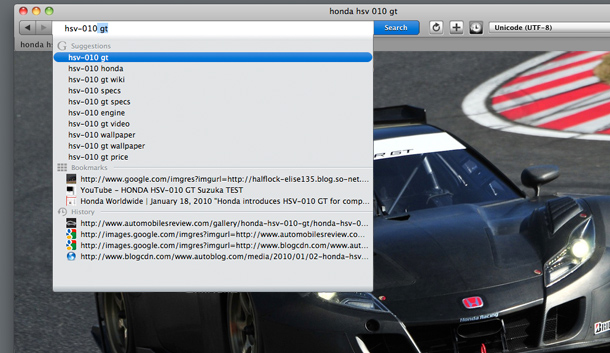
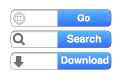 The URL field behave three ways.
Typing an URL -> URL address field
Typing search words -> search field
Holding an option-key -> URL downloader
-
Encoding Pop-up
 You can change the text encoding quickly from the toolbar, if you opened garbled pages.
-
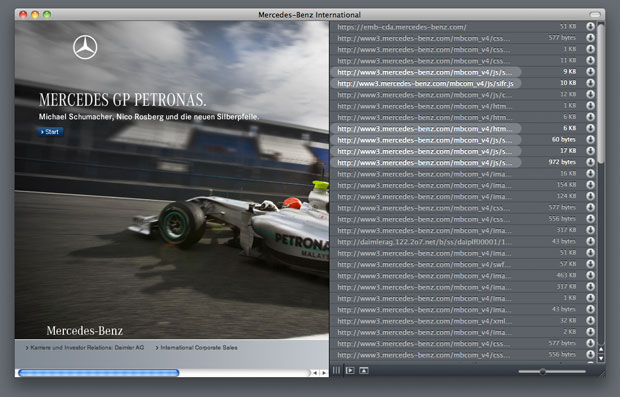
Show Resources
Sunrise can show loaded resources of a web page. This will be able to save the data that is loaded internally.
-

Simple Localizing
The localizer needed the development tools because of translating so far. The works for localizing of Sunrise is very simple. You input some words using the localization editor. And restart Sunrise. The localization is completed.
-
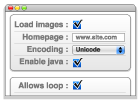
Simple Preferences
The user needs to look for the item when the preferences has many tabs. You can change the settings quickly, because the preferences of Sunrise is simple.
-
The hidden shortcut keys
Shift + Command + B : Toggle show/hide all bars and sidebar in a window.
Shift + Command + E : Toggle whether the web view allows editing.
Shift + Command + F : Flip a window.

As Icons
 As Tiles
 As List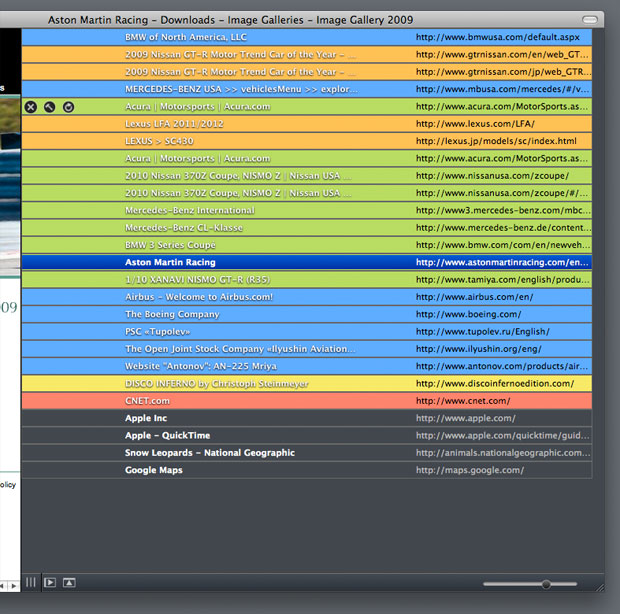
-
Building

Sunrise is an open-source software. You can check out the latest project source code from Google code. The license of the source code is new BSD license. Build the project using the latest version of the Xcode tools.
Use the following command to anonymously check out.
svn checkout http://sunrisebrowser.googlecode.com/svn/trunk/ Sunrise
Download Xcode
About BSD licenses
-
Localizing
If you are bilingual, you can translate Sunrise in simple ways.
- Select "Localize..." in Help menu.
- Select the language from "Language" pop-up button.
- Translate each word phrase to the right side.
- Push the "Create..." button, and restart Sunrise.
* Set Language at "Language & Text" in System Preferences to the translated language.
- Select "Localize..." in Help menu.
- Push the "Open..." button in the left bottom, select the translated .strings file.
Commit to the project :
You can send the translated .strings file and your name from "Provide Feedback" in the application menu.
The sent file will be applied to the next release of Sunrise. Your name will be entered in the About window. The translated .strings file exists at "/Users/USERNAME/Library/Application Support/Sunrise/Localizations/".
Join the Sunrise project :
You can commit your translation file to the project at any time if you participate in the project as a committer on Google Code. Your work will be applied to the next release automatically.
Please let me know your registered email address of .
-

Report Bugs
You can send the report of bugs in Sunrise. Then, you do not need to write the processor type and the versions of Mac and Sunrise. These information is automatically acquired.
-
Donating
Sunrise are developing with your donations. And it will be used for improvement in quality. -

Feedback
You can send your feedback of Sunrise from "Provide Feedback" in the application menu.
Moreover, please report when you discover strange English on the application and this site.
- Version :
- File size :
- System Requirements : Mac OS X Leopard 10.5 or later

Sunrise needs your support.

